AI engines can cite fake websites: what our analysis of 320,000 domains reveals
Clones, fake stores, phishing: we checked the suspicious domains cited by AI engines. The phenomenon is rare but real. It mostly affects ChatGPT.
OpenAI launched Businesses in ChatGPT in beta on November 10, 2026. Companies can now claim their profile in ChatGPT, correct their information and view statistics on how they show up in answers.
We created the BotRank.ai Business Profile the day after launch. Here is every step, with our screenshots, the friction points we hit and what we take away for your visibility in ChatGPT.
A Business Profile is your company's listing in ChatGPT. You manage it from Business Hub, the dashboard of the Businesses in ChatGPT program.
In practice, Business Hub brings four building blocks together:
| Building block | What it does | Availability |
|---|---|---|
| Business profile | Claim your listing and fill in website, category, description, contact details, shipping and return policies | Eligible businesses where ChatGPT is available |
| Insights | Mentions, website clicks and discovery topics over 28 days | After identity verification, above an activity threshold |
| Product catalog | Product feeds with pricing and availability, Shopify connection | After identity verification |
| Business Agent | An agent that answers customer questions inside ChatGPT | Eligible ecommerce and online service businesses in the US |
OpenAI states that user conversations are not shared with businesses: insights are aggregated and only appear when activity passes a certain threshold.
Go to chatgpt.com/business-hub while signed in. Type your brand name in the search field. If it already exists, select it. If not, click "Create".

The search offers to create the listing if it does not exist yet. Our interface was in French.
ChatGPT asks how customers interact with you: at a physical location or through an online store. This choice shapes the rest of the flow. For a SaaS like BotRank, we picked the online store option.
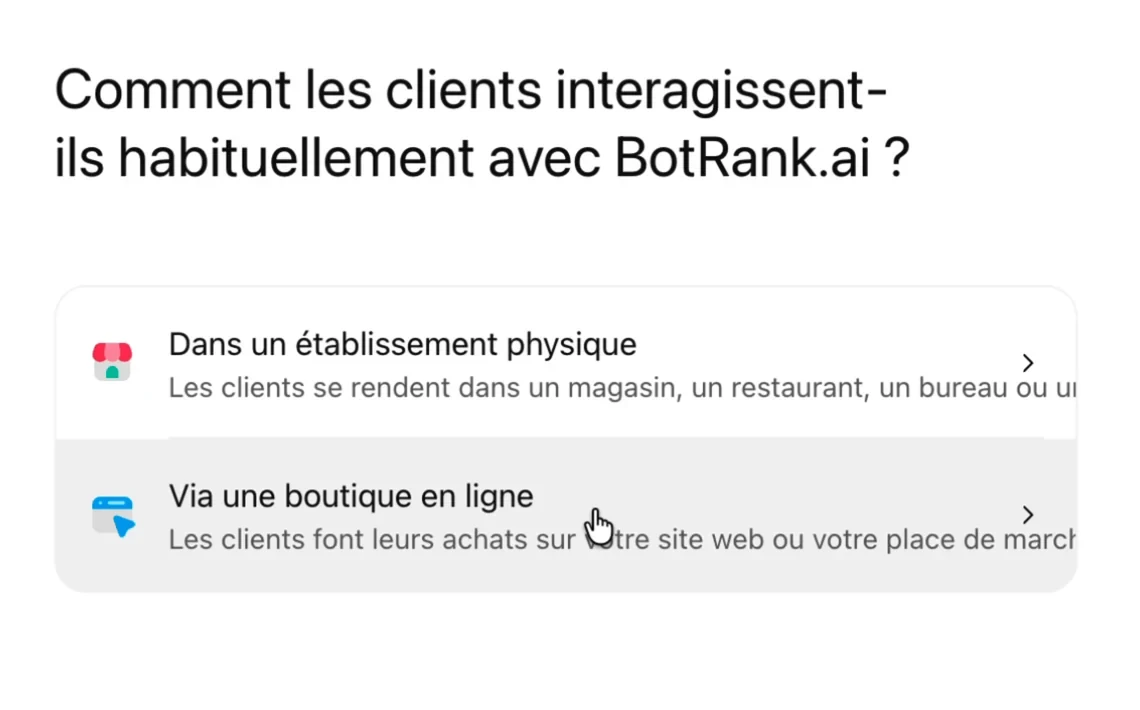
Two flows: physical location or online store.
Enter your domain name. A preview of the listing builds up on the right side of the screen as you go.
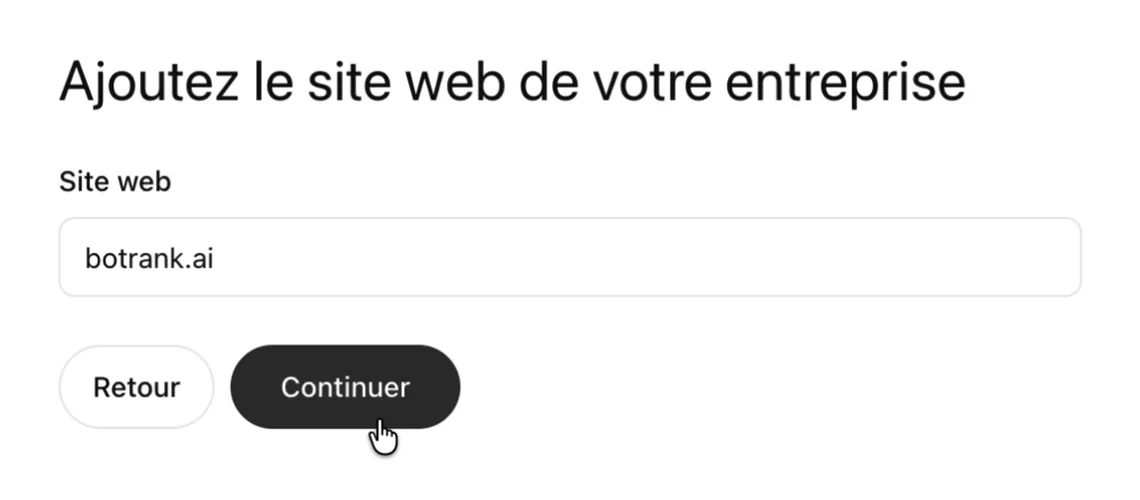
The domain is used for verification in the next step.
ChatGPT generates a DNS record to add at your domain provider:
openai-business-profile.yourdomain.comopenai-business-profile=Watch the clock. In our test, the record expired about 30 minutes after it was generated. Get your DNS access ready before you start.

The TXT record generated by ChatGPT. We blurred the value.
In your registrar or DNS host, create a TXT record with the host name and value provided. Then go back to ChatGPT and click "Verify domain". For us, validation went through a few seconds after saving the record.
If someone else manages your domain, send them the three values (type, host, value) and stay available to validate right after.

The same record, on the registrar side.
Select a category from the list. ChatGPT suggests a few based on your website. The "More information about your business" field is optional, but OpenAI says ChatGPT may use it in conversations: write one clear, factual, up-to-date sentence.
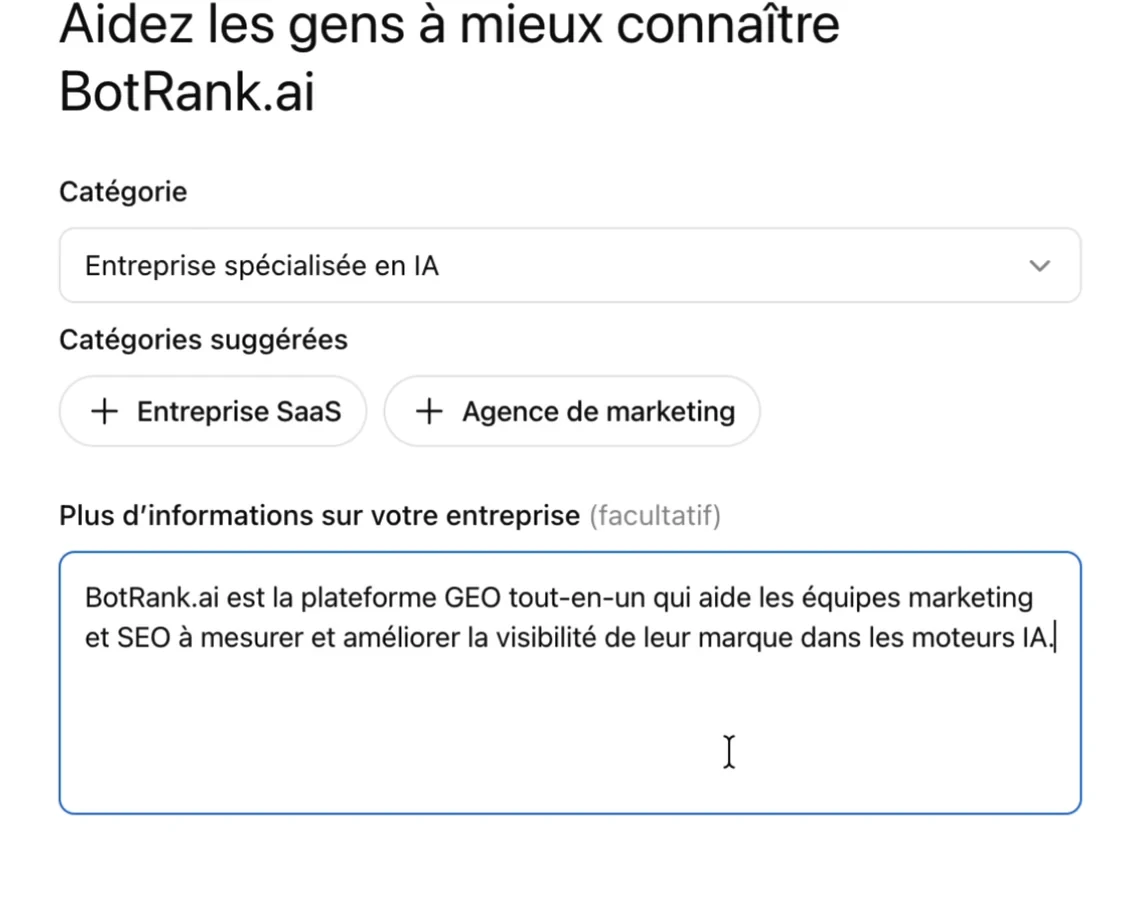
Category chosen for BotRank.ai: AI company.
One note for search professionals: on the day of our test, searching "seo" returned no category. We hesitated between the SaaS company, data analytics company and AI company options.

No "SEO" category on November 11, 2026.
Phone and email are optional. If you add them, each one is verified with a 6-digit code: by SMS or call for the phone, then by email. Use a generic address such as contact@ instead of a personal one, since it is displayed on the listing.
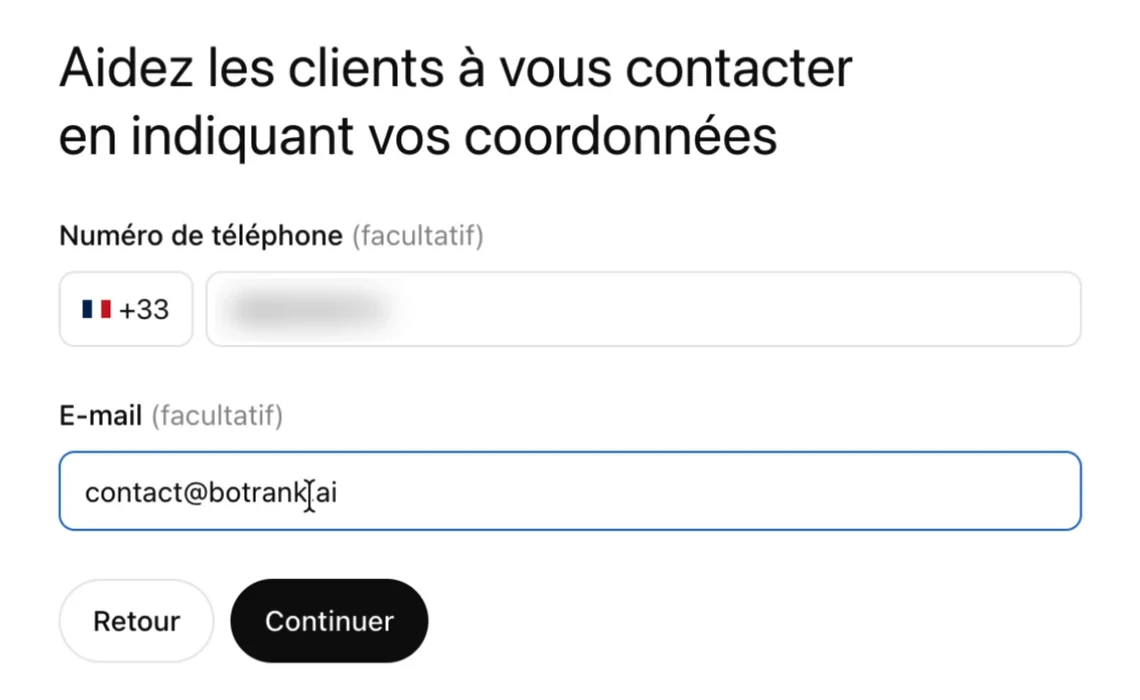
Contact details appear in the listing preview.
Two questions built for ecommerce: shipping (none, paid, free) and returns (not accepted, accepted with fees, free). They are asked even if you sell software. We answered that we do not offer shipping and do not accept returns.
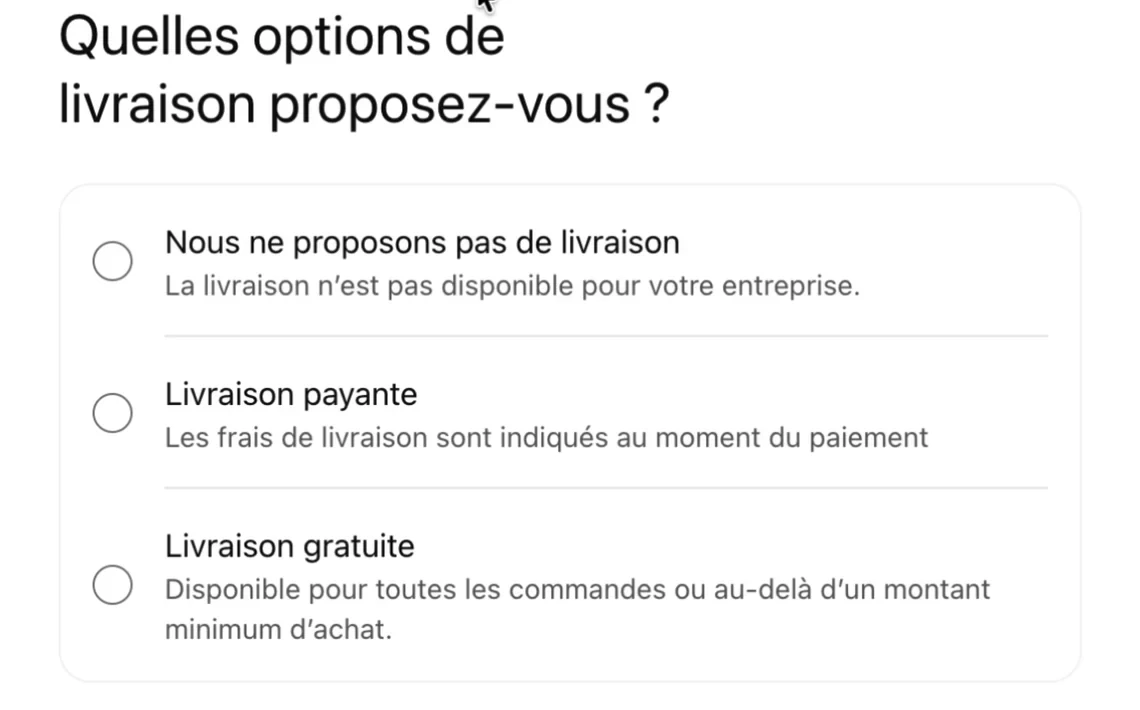
Three shipping options.
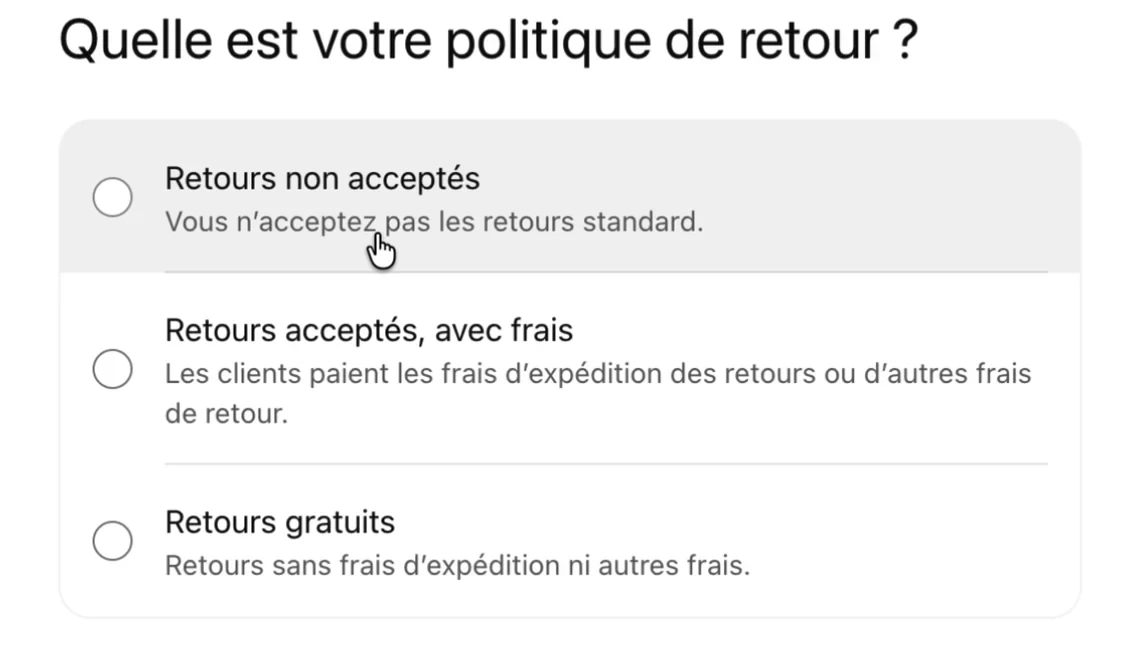
Three return options.
ChatGPT confirms the creation and states that the profile is saved as a draft for now. The screen also offers an advertising credit for ChatGPT Ads and an upgrade to ChatGPT Business. Neither is needed to continue.
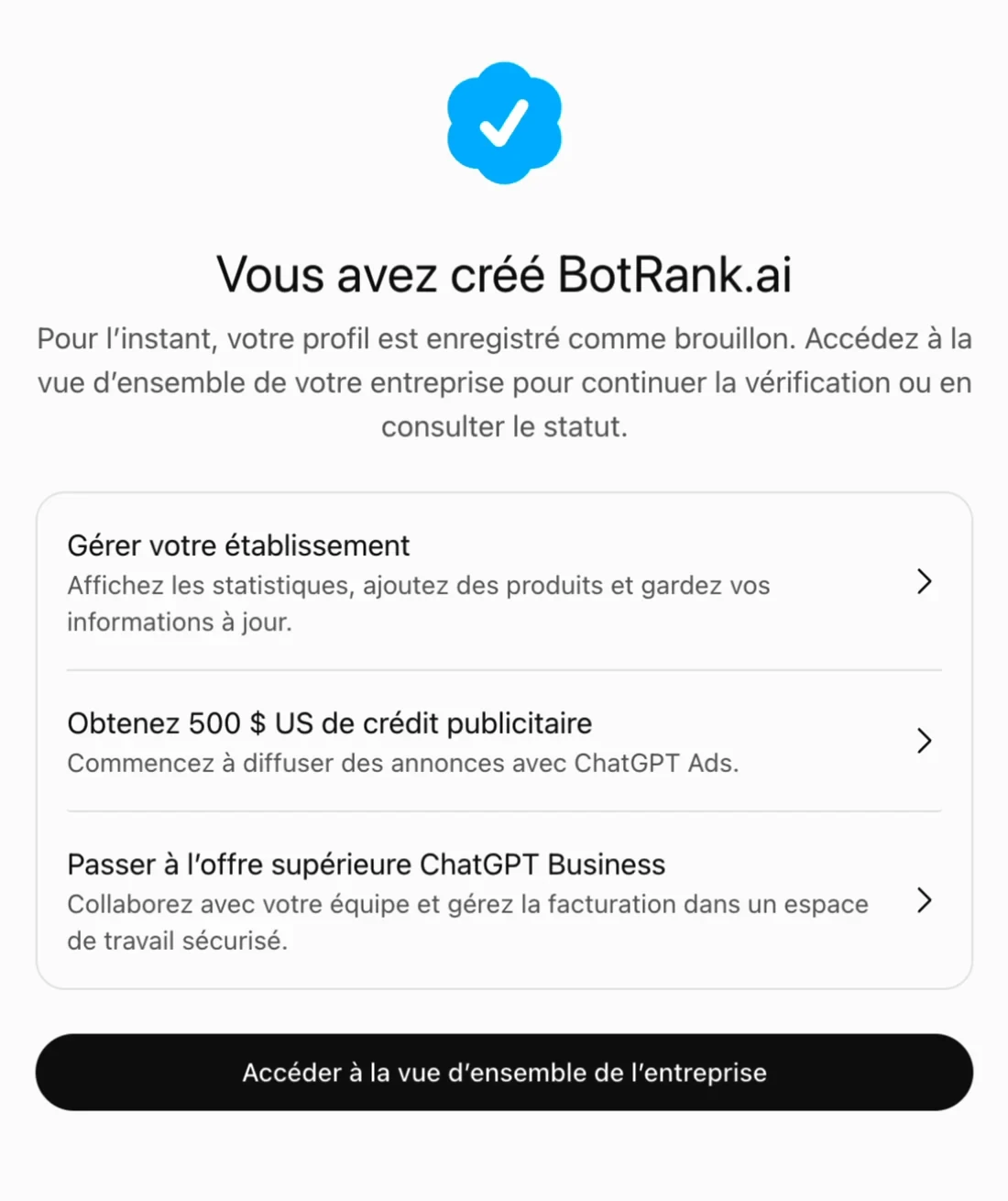
The profile exists but is not published yet.
In Business Hub, a banner invites you to verify your identity with Persona. This step unlocks everything else: according to OpenAI, it is required to publish changes, connect a product feed, view insights and create an agent. The verified badge appears once the verification is approved.
Persona is an identity verification provider. It asks for the country that issued your government ID and for your consent to biometric processing. So an individual who is authorized to represent the business has to complete it.
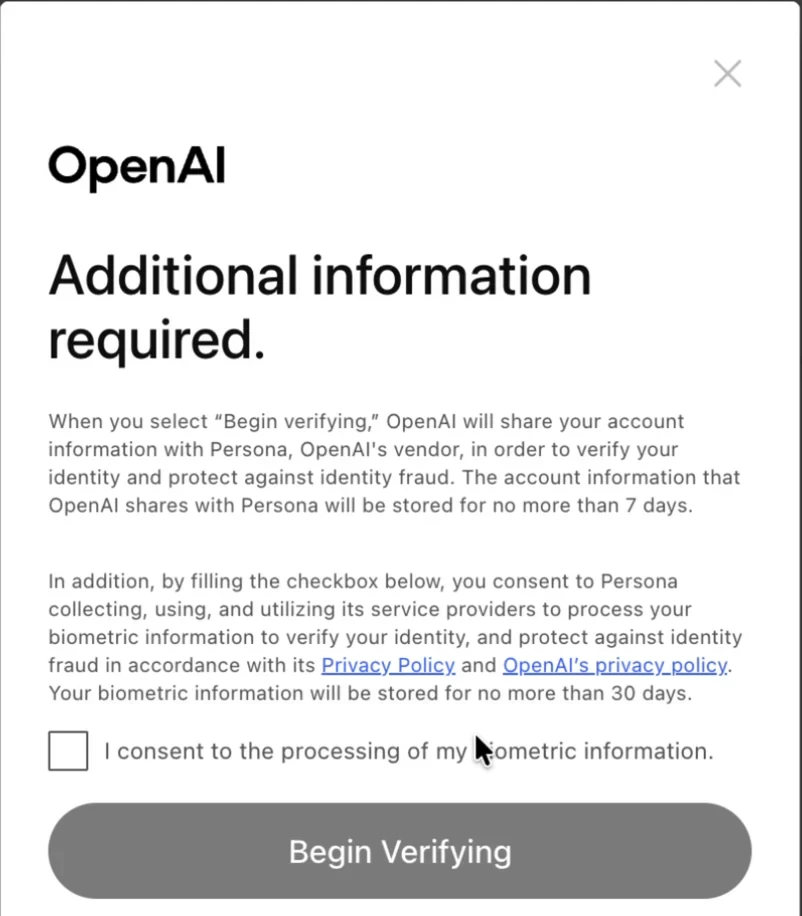
Verification runs through Persona and requires explicit consent.
Once the listing is created, Business Hub shows three entries: Overview, Agent builder and Products.
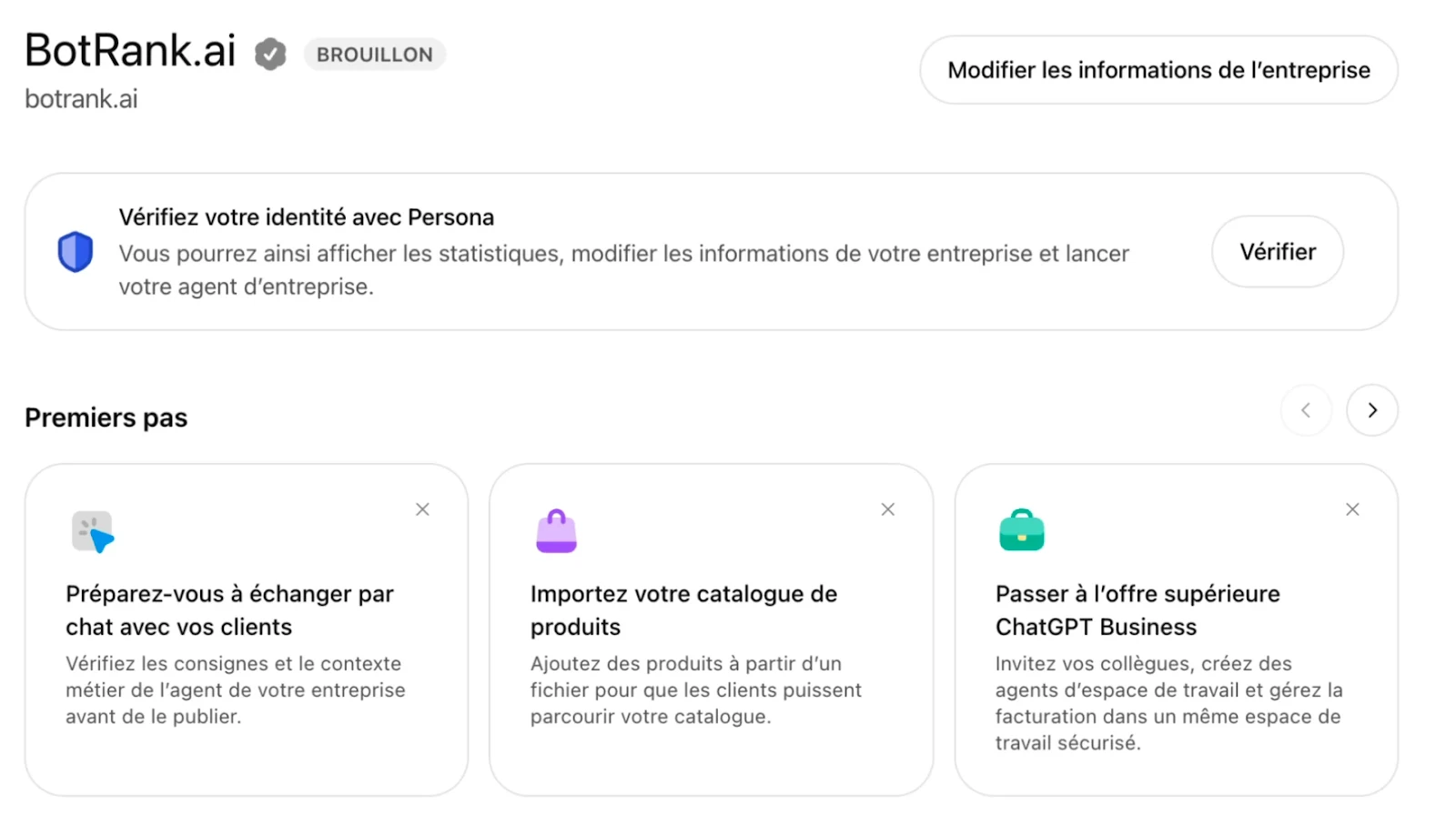
The overview, with the "Draft" status until identity is verified.
The overview has two tabs, brand insights and agent statistics, with two visible metrics: Mentions and Website clicks.
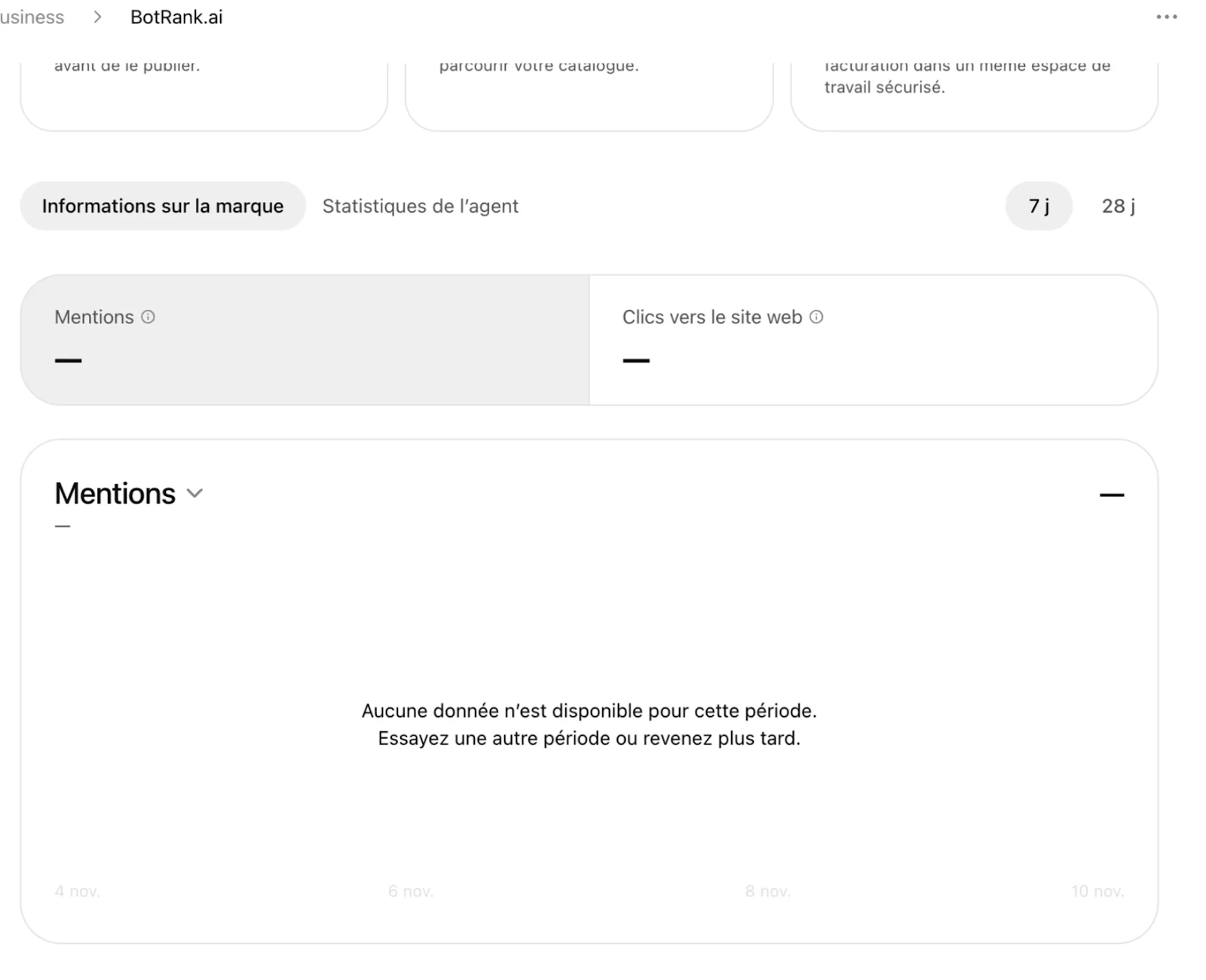
Before identity verification, the metrics are empty.
Here is what each metric measures according to OpenAI's Help Center:
| Metric | What is counted | What is not |
|---|---|---|
| Mentions | For an online business, answers where ChatGPT references the business's website | Answers that only name the brand |
| Website clicks | Clicks to your website from ChatGPT | Completed visits and conversions, to track in your analytics tool |
| Discovery topics | Common themes in answers that mentioned or cited the business | Individual user questions |
Insights cover the past 28 days. An empty metric does not mean zero: the activity threshold may not have been reached.
Business Hub brings data that nobody else can provide: counters based on real ChatGPT usage. That is a step forward for every brand.
It also has clear limits:
It is the same relationship as Search Console and an SEO tool: the first gives the official measurement, the second gives context, competition and an action plan.
At BotRank, we are already looking into connecting to the Business Profile, for two reasons. First, to retrieve the useful data and cross it with your prompt tracking. Second, and above all, to check that our customers' profiles are configured correctly and help them fix them if needed.
In the meantime, you can track your AI visibility in ChatGPT and other AI engines with BotRank: free trial.
OpenAI lists no fee for claiming a business in Business Hub. No Ads account or Enterprise agreement is required. Advertising (ChatGPT Ads, sponsored agent) remains a separate option.
Yes. We created the BotRank.ai profile from France on November 11, 2026. OpenAI says claiming is open to eligible businesses where ChatGPT is available, depending on industry, location and its own checks. Several professionals report being placed on a waitlist, though.
Less than 10 minutes in our case, domain verification included. Identity verification with Persona is a separate step and OpenAI does not publish a processing time. As of November 11, 2026, ours is still pending.
OpenAI does not say so. The company states that paying for ads does not change how often ChatGPT recommends a brand, but it does not describe the effect of a verified profile on answers. The profile mainly ensures that your basic information is accurate. For the rest, the usual levers apply, including for ecommerce: how to get your products into ChatGPT Shopping.
Three possible causes: your identity is not verified yet, activity is below the display threshold, or data is still being collected.
Claiming is open to owners and authorized representatives. Since identity verification is personal, the simplest route is for the client to complete it, with the agency supporting the configuration.

After nearly 15 years in digital strategy on the client side (including 10 years at Olympique Lyonnais, where he was notably in charge of SEO).
Florian co-founded BotRank.ai in 2025, the GEO (Generative Engine Optimization) tool used by more than 2,500 companies to manage their visibility in AI-generated search results. He writes regularly about GEO and AI Search.